Yesterday morning before the impending rainfall I hurried up and planted my garden. I had planned to plant over the weekend but when Mr. G went to rototill the garden we discovered millions of ants and larvae under a stepping stone smack in the middle of the garden! Crud! I grabbed a flat shovel and scooped off all the larvae and hoards of ants and threw them away. YUCK! they were crawling all over us.
While Mr. G went to work with the rototiller, I went inside to look up garden safe solutions to my ant problem. I made a concoction of water, borax and sugar, then soaked some cotton balls in it and placed them in a plastic lid in the freshly tilled garden. I never actually saw any ants drinking my mix. I think it was the heat of the blazing sun that drove them away…that and the search for the larvae. Fingers crossed that they are gone for good.
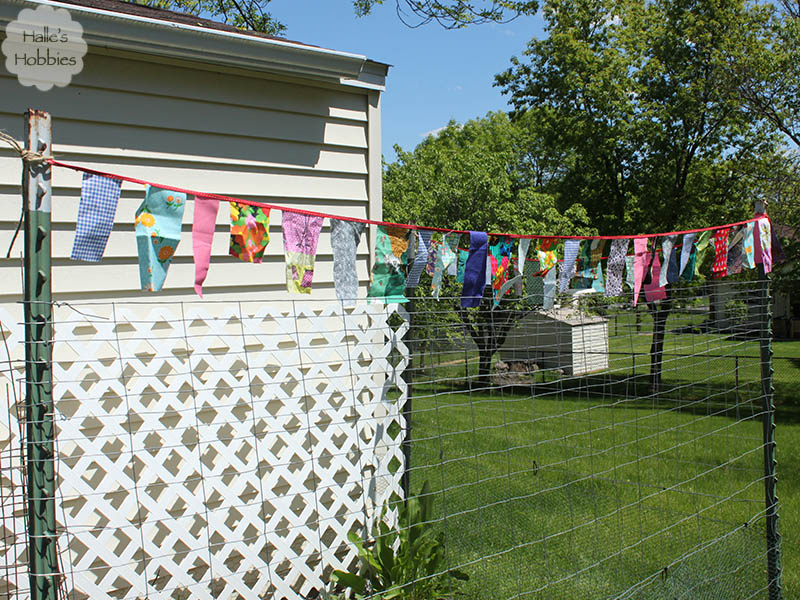
In the big garden I have the usual fair…although I am trying cucumbers in this garden again. In previous years I haven’t had good luck with them but this year I purchased some really nice healthy looking plants instead of starting seeds. I planted them close to the fence so they can crawl right up.

Some of you may remember last fall that I decided to just leave my herbs in the garden and see what happened. Well the rosemary died as many told me it would but the sage and thyme are flourishing, I cut back some of the thyme just to make room for a tomato plant. I’m drying a couple of bundles…it smells so heavenly.
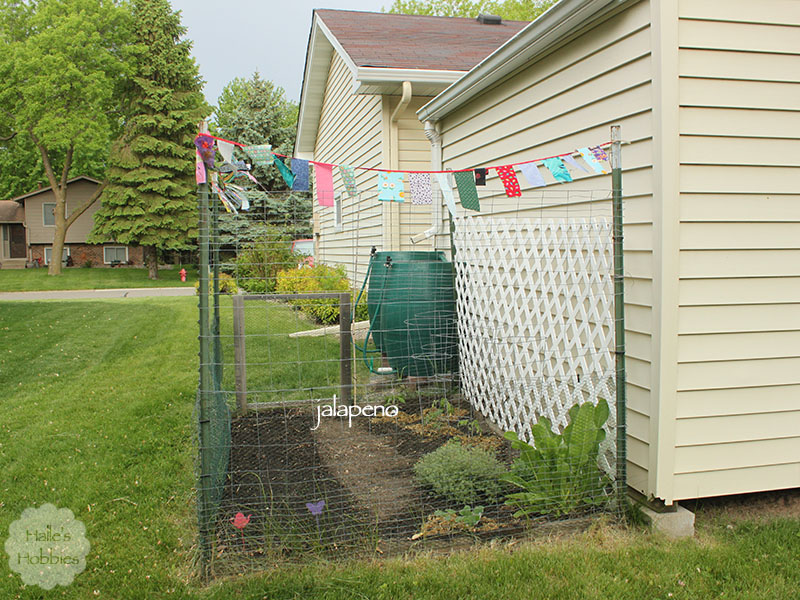
I made a last minute addition of a jalapeno plant near the gate. I was planning to put it in the deck box garden but changed my mind. Do you see my plant stakes I’m using as row markers?? A pink teapot and a purple butterfly. I think the teapot works for beverage related post…right?
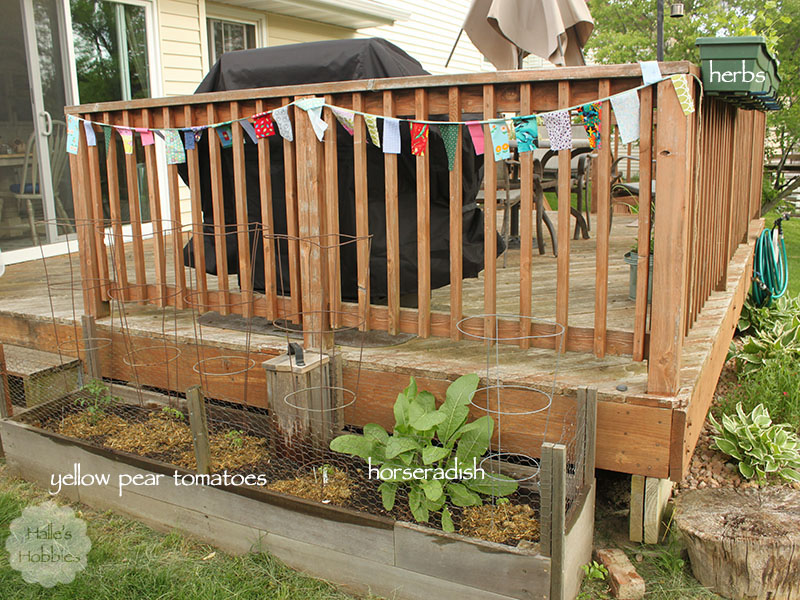
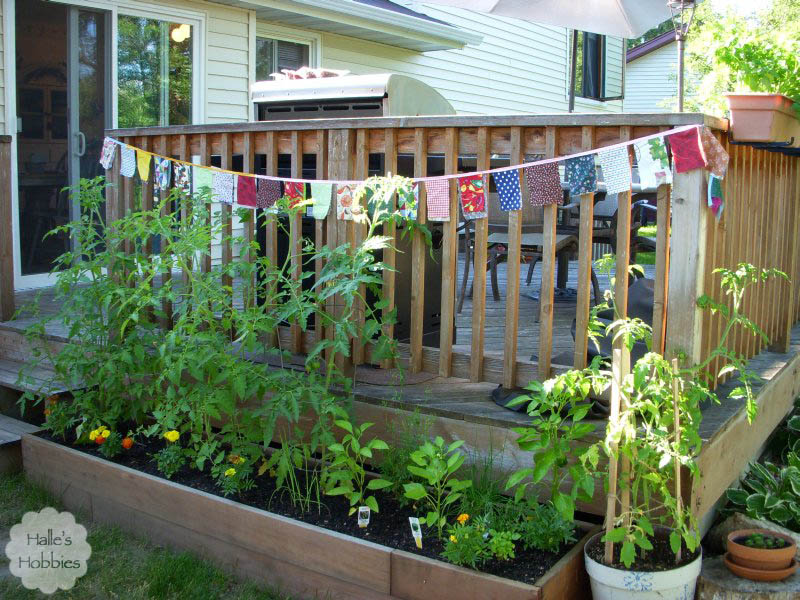
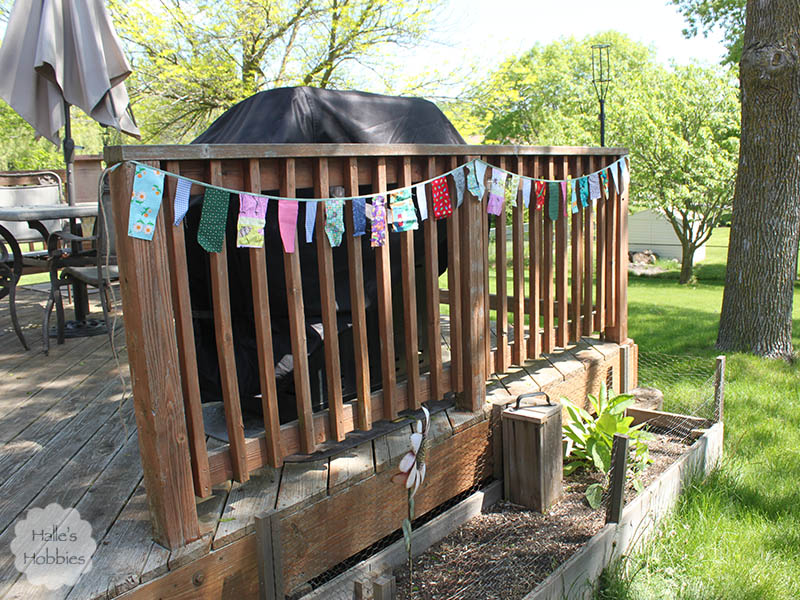
My deck box garden has just two things…our favorite little yellow pear tomatoes and the horseradish plant I tried to eradicate last fall. Guess it didn’t work. 🙂 My worm tower is definitely looking weathered like the rest of the garden. After it rains again I’m going to try and find some more worms to live in the bin. I fear some of red wigglers perished over winter as the scraps in the tower aren’t going down as quickly as before.

The deck boxes have flower, herbs and onions. I grew green onions from seed in half egg shells this year. Just an experiment. Likely won’t do it again unless these turn out amazing. The shells were hard to crush before planting without crushing the fragile onions. I did find two volunteer onions in the big garden so I moved them to be with their friends.
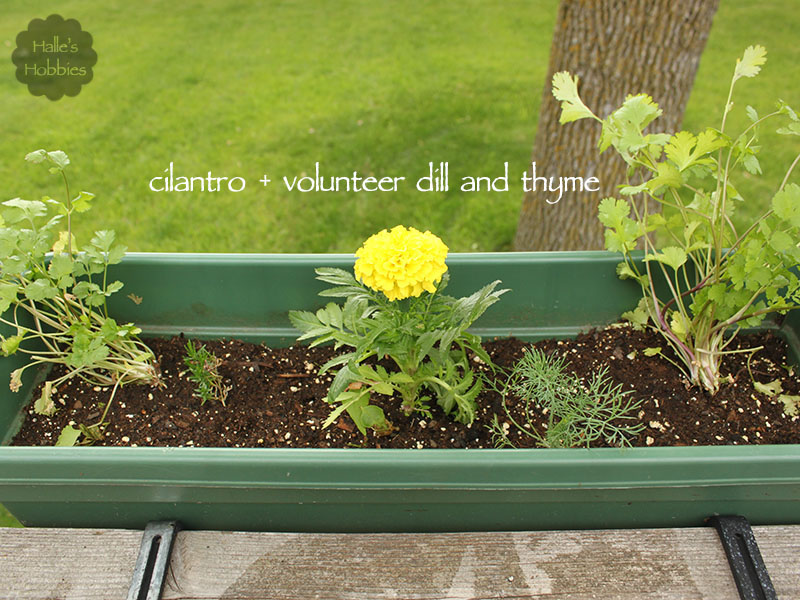
In addition to the onion volunteers, I found some dill and thyme growing from the dirt I had dumped from the pots last fall. Mother Nature can be very persistent.
I still have 3 tomato plants that I plan to put in my in-laws garden plus whatever seeds I have left.
We also purchased a CSA share this year. We had joined a different one a few years ago and liked the produce but the cost vs amount we received just didn’t make sense or maybe that should be cents. *grin* Our neighbor has been using this CSA for 7 years now and I’ve been able to see first hand the wonderful boxes of farm fresh veggies they get each week. So excited for it to start. Just a couple more weeks! I’ll be sure to share with you our bounty.
Playing taxi driver for my mom today unless her plans have changed
What are you doing today?